Paint From Photos
Or
Painting from a reference photo?
This simple tool helps artists prepare a reference image before starting a painting.
Upload a photo, add a grid, extract color samples, crop the composition, and keep the reference next to your canvas while you work.
Upload your reference photoDemo
Play with the example project in read-only mode.
Reference images
The user has uploaded 1 reference image.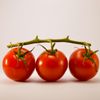
Progress images
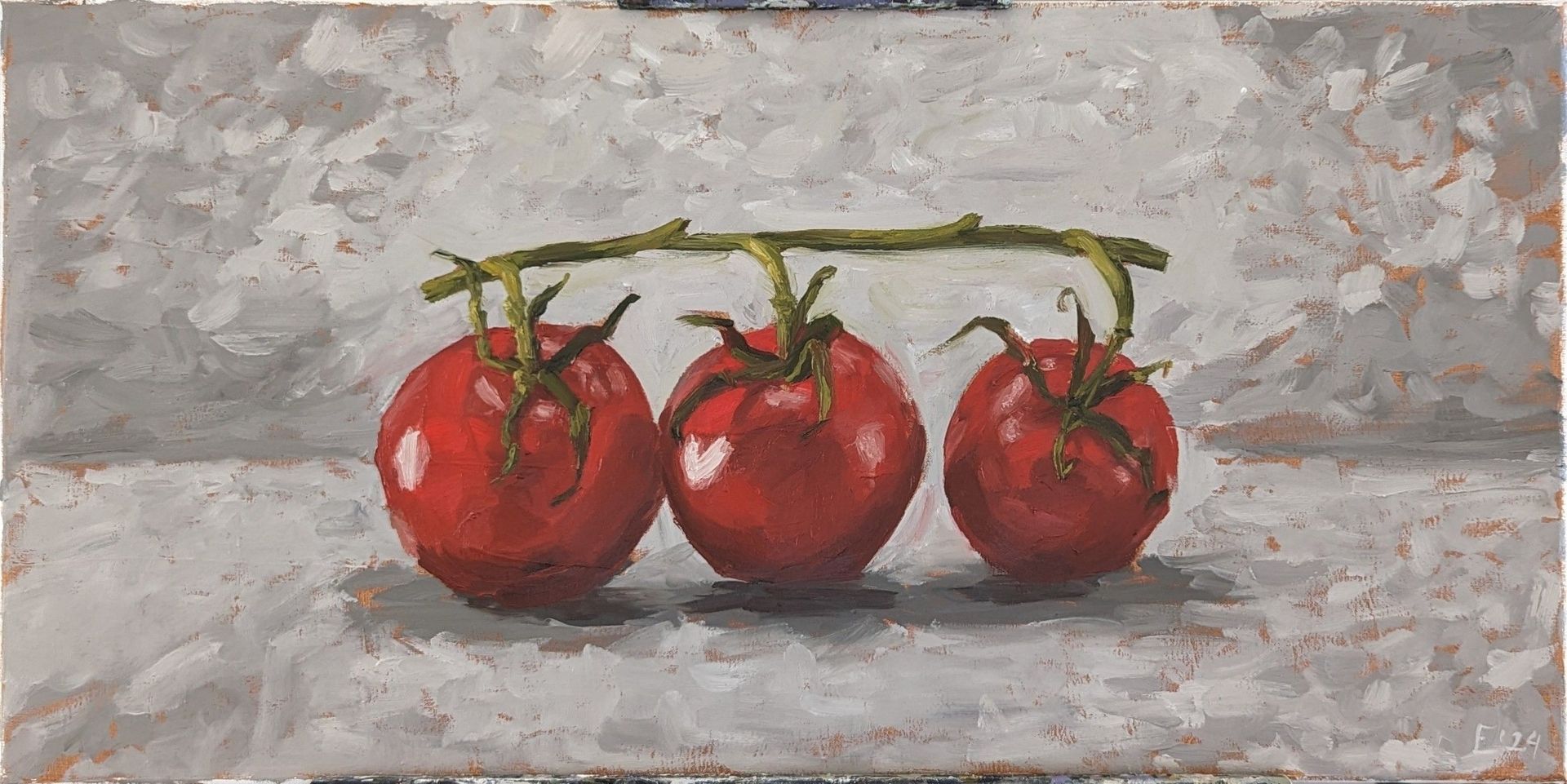
The user has uploaded 1 progress image.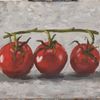
Canvas
Colors
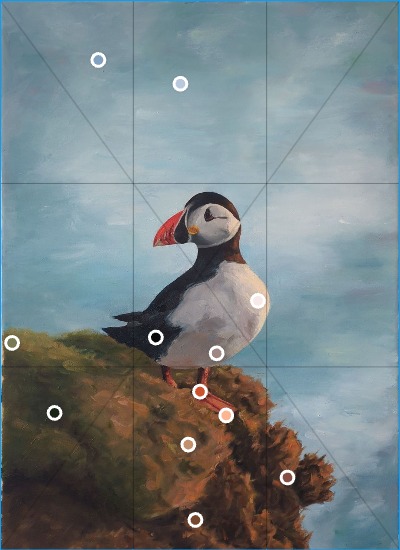
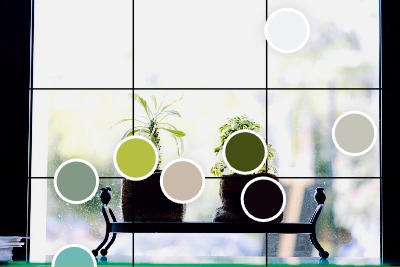
The user has sampled 9 colors to enhance their color matching.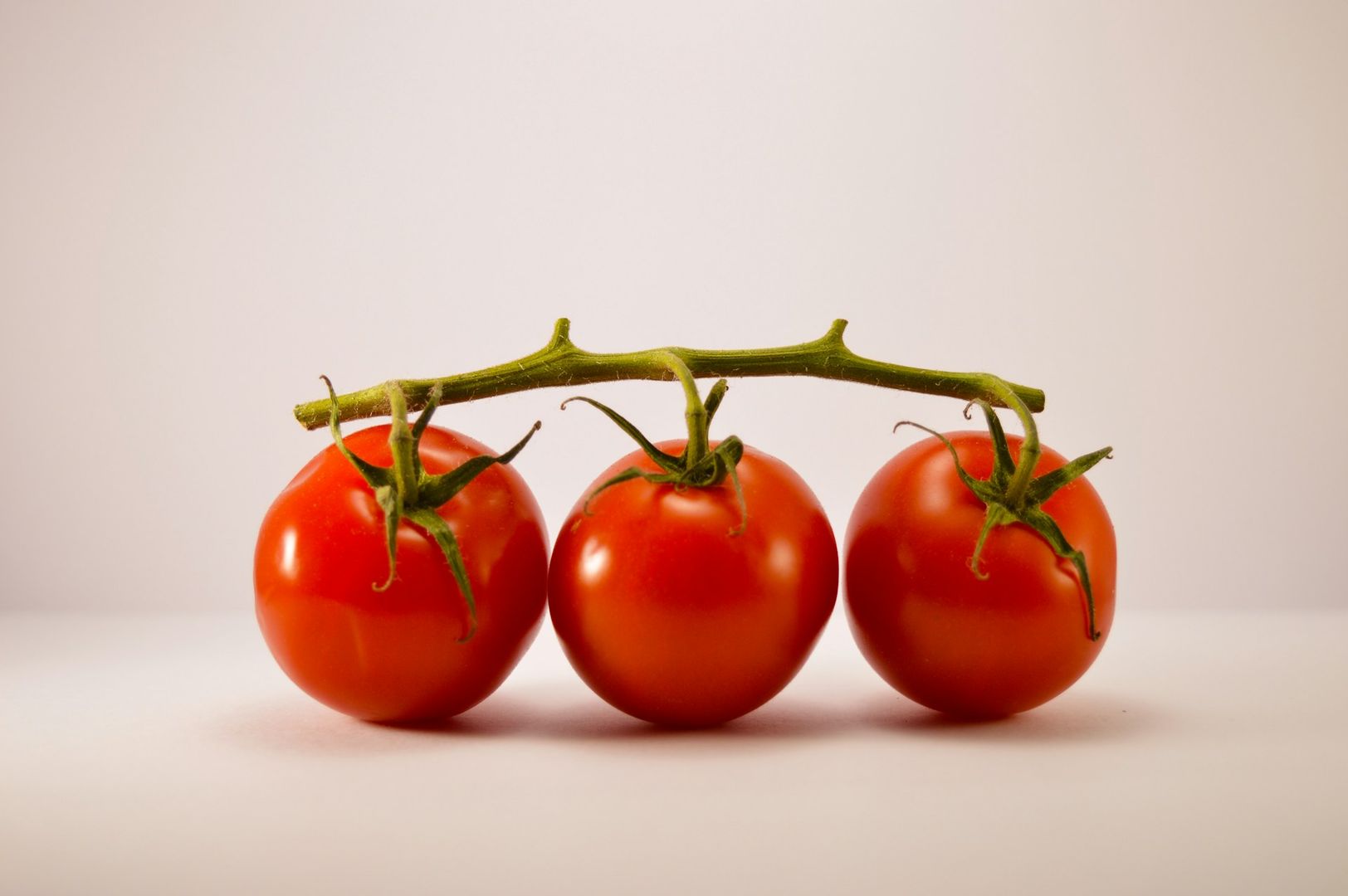
How it works
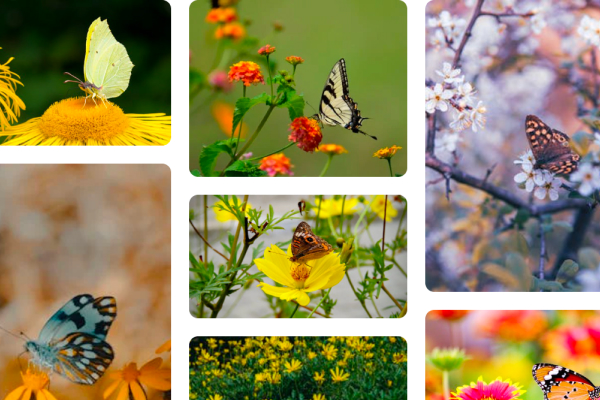
1. Upload reference image
Upload your own photo or any image you want to paint from.
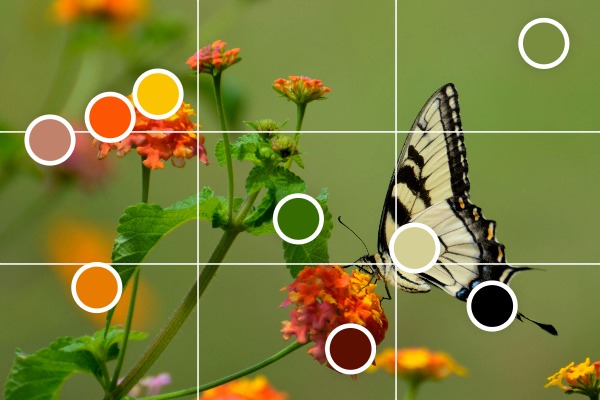
2. Prepare the reference
Extract color samples, apply a grid, adjust the frame, and prepare the image for painting.
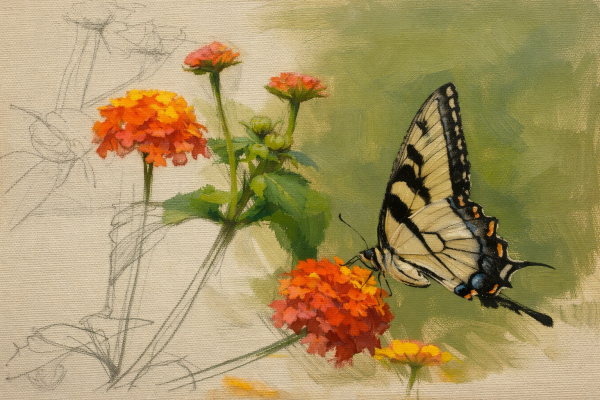
3. Paint
Open the reference image full screen or print it and place it next to your easel while painting.
Prepare your reference photo
When painting from photos, preparing the reference image first makes the process easier. You can check proportions, analyze colors, and plan your composition before you start painting.
Upload your reference
Upload a photo or picture that you want to use as a reference for your painting.
Extract sample colors
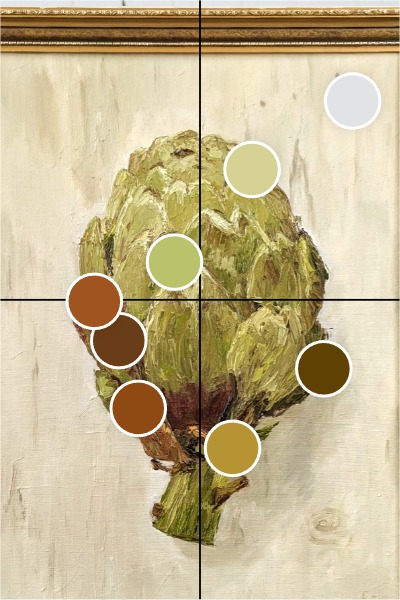
Automatically extract commonly used colors from the image or click on the picture to sample colors manually.
Use the samples to mix paints and match the colors in your reference.
Add a grid
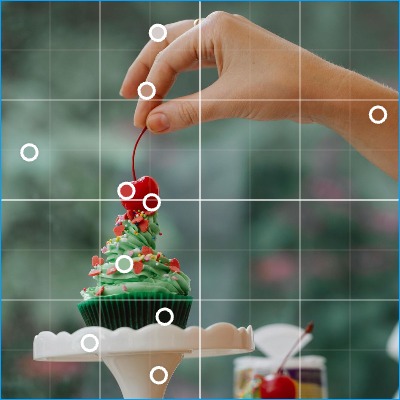
The grid method helps transfer proportions from the reference photo to your canvas and place shapes accurately.
Did you know Leonardo da Vinci and Vincent van Gogh both used grids to improve the accuracy of their drawing?Adjust the frame
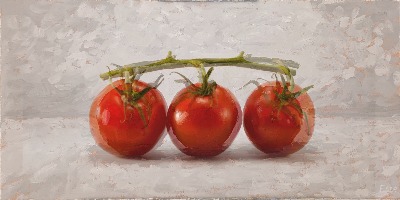
Crop the reference image or match the proportions of your painting canvas or paper.
Tools for painting from reference photos
Grid method for accurate drawing
Add grids to your reference photo to transfer proportions and place shapes accurately on your canvas.
Learn moreExtract a color palette
Automatically extract the most common colors or click the image to sample colors manually.
Learn moreCheck values in black and white
Switch the image to black and white to analyze light and dark values while painting.
Learn moreCrop and match canvas proportions
Adjust the frame to match the proportions of your painting canvas or improve the composition.
Learn moreWhy paint from photos?
Reference photos help artists study light, shapes, and colors before painting. A prepared reference image makes it easier to check proportions, values, and composition while working.
Tools like grids, color sampling, and value previews are commonly used by painters to simplify the drawing stage and maintain accuracy.
Guides
Short guides explaining how to use the tool:
- How to use the grid method for painting
- How to check values in your painting
- Adjust brightness and contrast of a reference image
- How to pick color samples from a reference photo
Frequently Asked Questions (FAQ)
Yes. Many artists use reference photos to study light, color, and composition before painting.
The grid method divides the reference image into squares so you can transfer proportions accurately to the canvas.
Removing color helps you see light and dark contrast, which is critical for a strong painting.
Yes. This tool extracts common colors automatically or lets you sample colors manually.
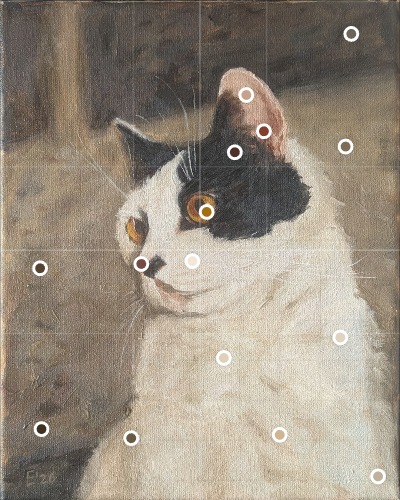
Start painting from your photo
Upload a reference image, prepare it with grids and color samples, and begin your painting.